











Parental Control Software Development Company

Build parental control software families can rely on.

Launch a parental control app, modernize a family safety platform or deliver a white-label service through your telecom network. Nagorik brings product experience from Mamoru and deep engineering across mobile, subscriptions, cloud and secure connectivity.

From screen-time rules and safe browsing to guardian dashboards, child devices and subscriber management, we engineer the product behind the promise, not just the interface.

Rated 4.9 out of 5 on Clutch

Clutch
  • Clutch Top Game Developers 2026
  • Clutch Top Digital Security Agencies 2026
  • Clutch Top Recommendation Engine Companies 2026
  • Clutch Top Blockchain Developers 2026
  • Clutch Top Smart Contract Development Companies 2026
  • Clutch Top Web3 Developers 2026
  • Clutch Top Blockchain Companies 2026
  • Clutch Top Robotics Companies 2026
  • Clutch Top Machine Learning Companies 2026
  • Clutch Top Staff Augmentation Companies 2026
  • Clutch Top Software Development Companies 2026

Featured platform story

Meet Mamoru. Our experience starts with a real family safety product.

Mamoru brings parental control engineering into the hands of families. It gives Nagorik direct product context for guardian and child experiences, control workflows, and the complexity of bringing protection features to market.

Built, not just proposed

Parent controls. Child experience. One connected product.

Mamoru is Nagorik's parental control product. Its public app experience covers screen-time management, app controls, web safety, location features, and family routines. It gives our teams a first-hand reference point when discussing what families actually need and what different devices can support.

  • Screen-time routines
  • App limits
  • Web safety
  • Location and safe zones
  • Tasks and rewards
  • Parent and child apps

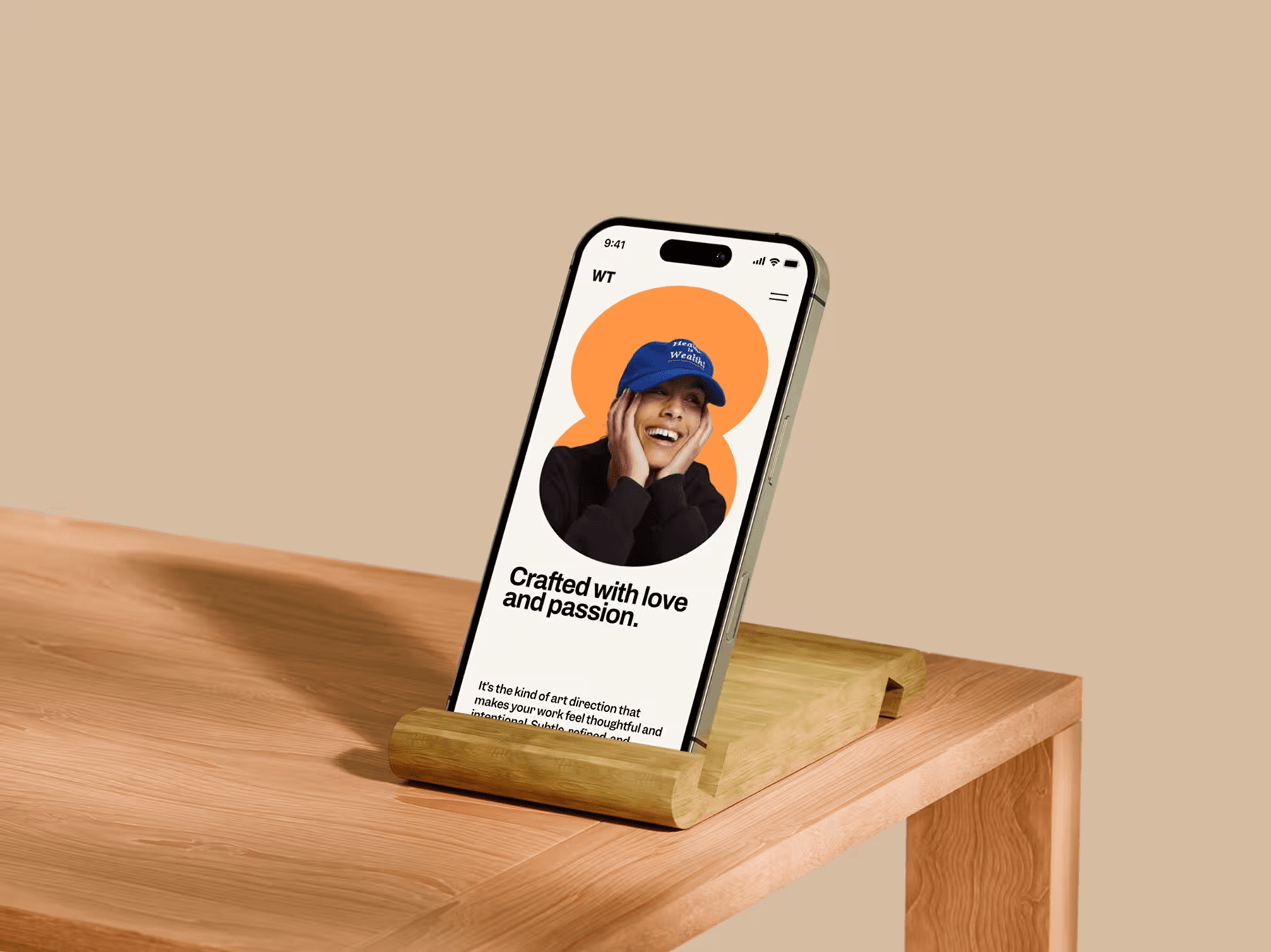
Mamoru app open on a phone standing in a wooden holder on a table
Explore Mamoru on Google Play

Our development services

Everything needed to build and operate a parental control product.

Start from an idea, add family safety features to your existing app or build a carrier-grade service. We scope the right control model and engineering team for your business.

  • Custom parental control apps

    Native iOS and Android parent/child apps, guardian onboarding, family accounts, activity summaries, app rules and age-aware experiences.

  • Family safety software platforms

    Cloud policy engines, household management, web dashboards, synchronization, notifications, access roles and product analytics.

  • Screen time and content filtering

    App limits where supported, schedules, DNS and web filtering, category rules, safe browsing and transparent exceptions.

  • White-label parental control software

    Multi-tenant architecture, rebranding, localization, partner provisioning, entitlements, operator consoles and subscription management.

  • Telecom and ISP parental controls

    Broadband or mobile subscriber activation, billing-system integration, policy APIs, compatible network filtering and service administration.

  • OEM and managed-device integrations

    Supported Android device management, launcher and firmware partnerships, router integration, device enrollment and lifecycle operations.

  • AI-assisted family safety

    Risk categorization, safe-content insights, explanation workflows and measured classification with privacy-aware controls.

  • Modernization and dedicated teams

    Improve existing parental control systems through platform audits, API integration, security hardening, migration and ongoing product delivery.

Built for the businesses behind family safety

Different business models. One dependable engineering partner.

The same screen-time feature behaves differently in a standalone app, a mobile subscription bundle and a managed child device. We design around how your product is sold, activated and supported.

  • Develop a differentiated subscription product with guardian and child experiences, family accounts, onboarding, billing and retention flows.

  • Offer parental controls as a subscriber service with activation flows, billing-system integration, network filtering and operator administration.

  • Build family safety into devices and routers through supported device management, enrollment, firmware partnerships and lifecycle operations.

  • Add age-aware rules, guardian visibility and safe-content policies to learning and youth products without breaking the student experience.

Product capabilities

The features families see. The systems that make them work.

We connect an understandable family experience with the device permissions, policy services and operating workflows required behind it.

Mamoru is Nagorik's parental control product. Its public app experience covers screen-time management, app controls, web safety, location features, and family routines. It gives our teams a first-hand reference point when discussing what families actually need and what different devices can support.

A smiling family of three lying on a bed and looking at a tablet together
  1. Guardian and child experiences

    Parent dashboards, household profiles, transparent child app experiences, approval requests, family routines and activity reports.

  2. Screen-time management

    Daily limits, schedules, bedtime or school routines, app/category rules where supported, temporary exceptions and policy precedence.

  3. Web and content protection

    DNS filtering, supported browser controls, domain categorization, allow/block lists, safer search settings and explainable policy decisions.

  4. Location and family coordination

    Opt-in location sharing, safe-zone alerts where supported, location visibility controls and role-based access.

  5. Policy and subscription backbone

    Family identity, device enrollment, policy sync, multi-tenant management, plans, entitlements, payment and billing-system integrations.

  6. Reliability and service operations

    Offline behavior, device state, exception handling, logs, support tooling, release monitoring and secure product administration.

Platforms we develop for

One product vision. Different control paths.

Before promising app blocking, monitoring or network filtering, we check which controls are technically allowed and which platform approvals, permissions or device models are required.

  • iOS / iPadOS

    Apple Family Controls, Managed Settings and Device Activity can enable specific Screen Time experiences with approved entitlements, appropriate authorization and device constraints.

  • Android

    Parent and child apps, usage insights and supported app/device policies depend on permissions, device ownership, OEM variation and Google Play monitoring requirements.

  • Web / cloud

    Guardian portals, policy engines, APIs, family administration, tenant services, subscriptions, analytics and service operations.

  • Router / ISP / OEM

    DNS or gateway protection, subscriber-level policies, supported device management, provisioning and compatible network integrations.

Selected work and engineering evidence

A partner with product context, not only a development pitch.

Mamoru is the direct family safety proof. Relevant secure-connectivity and subscription experience complements it when your offering spans apps, networks and commercial operations.

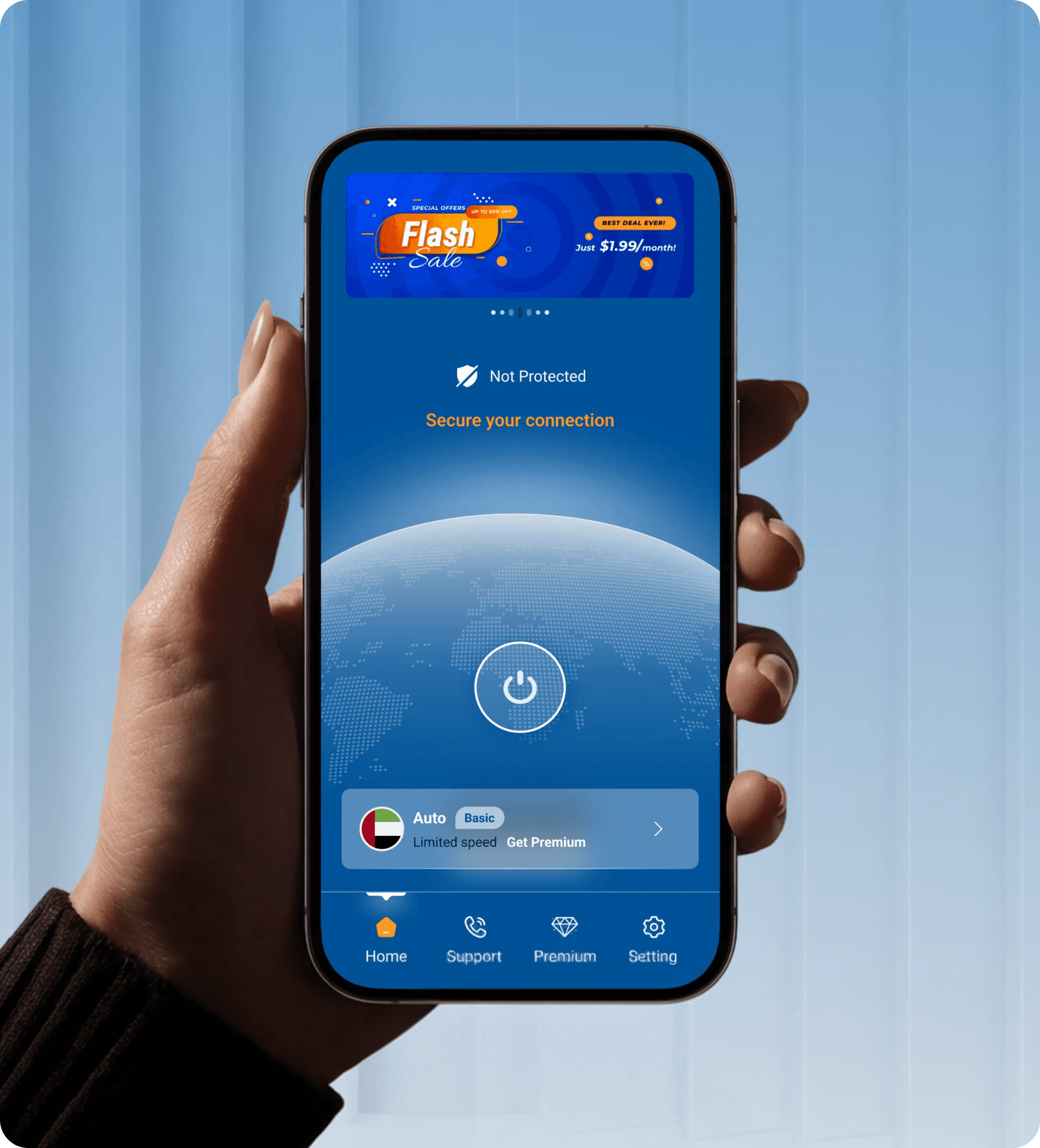
  • Hand holding a phone showing a protection screen with a power button

    Mamoru

    Direct parental control product experience, spanning everyday guardian and child interactions and the operational decisions behind safety features.

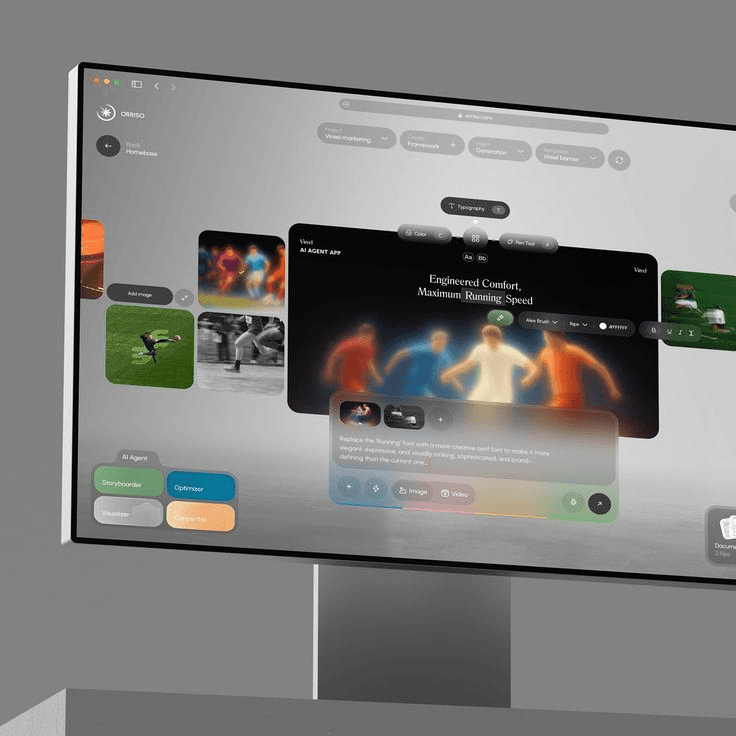
  • EnovaVPN streaming interface shown on a large screen

    EnovaVPN

    Cross-platform privacy and connectivity engineering relevant to DNS, network policy and secure mobile infrastructure.

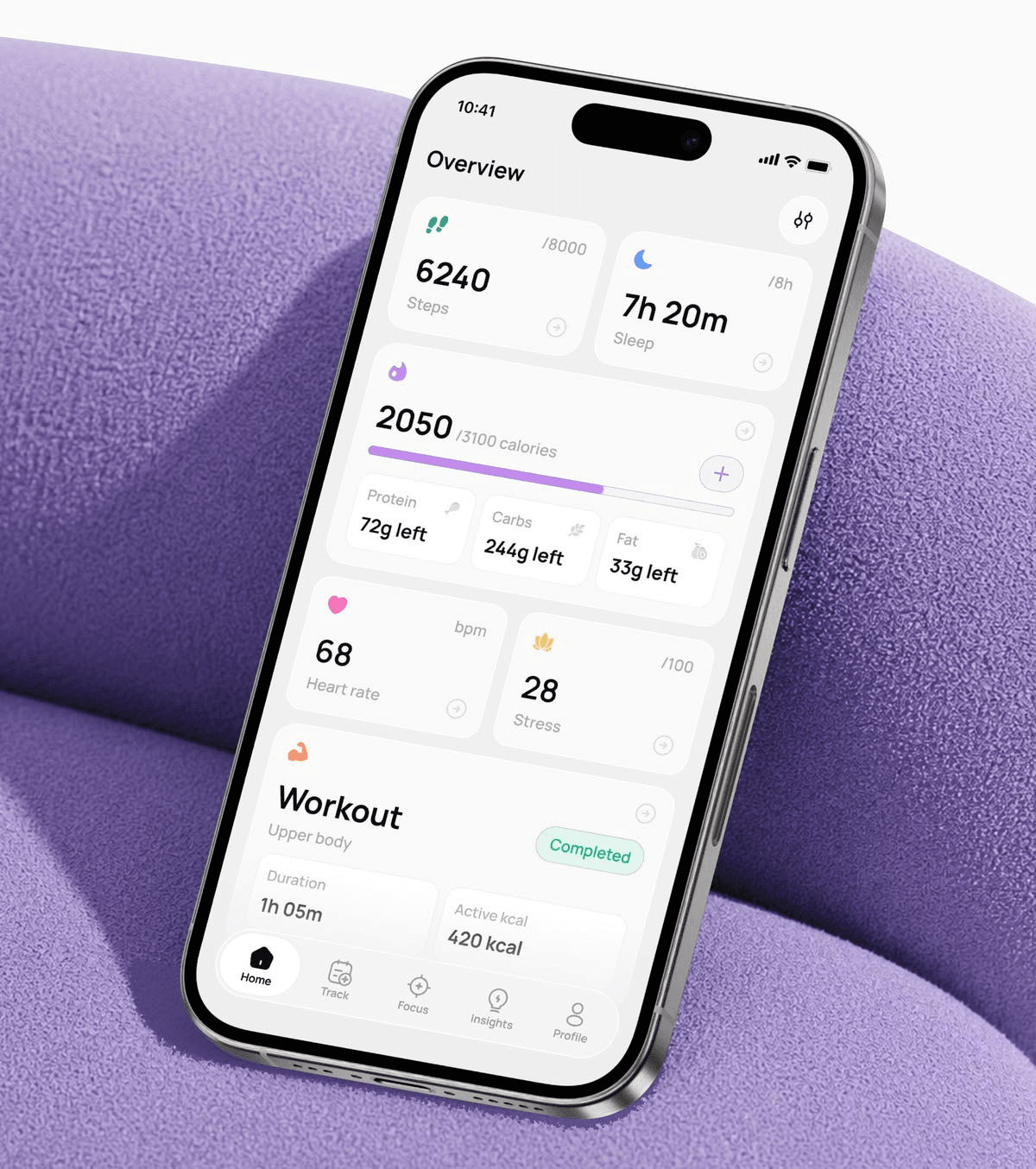
  • Phone showing a usage overview dashboard on a purple cushion

    Telecom subscription engineering

    Nagorik’s telecom and subscription-system background informs subscriber provisioning, entitlements, payment integration and operator-facing services.

Why Choose Nagorik

We have been closer to the problem than most software vendors.

A family safety service must protect children, work across constrained devices and remain commercially viable. Our combination of product engineering and subscription-platform experience is built for that challenge.

  • Mamoru provides practical context for control flows, family UX, product release constraints and the difference between a feature demo and a product people use.

  • Telecom and subscription-system work informs plans, entitlements, billing integration and the operator workflows a family safety service depends on.

  • Mobile apps, cloud policy services, web dashboards and network integrations are designed together, so a rule set by a guardian behaves the same everywhere.

  • We confirm platform permissions, entitlements and device constraints before scoping features, so the roadmap only promises controls that can ship.

A mother and her young daughter looking at a phone together on a sofa

Build, extend or integrate

You may not need to build everything from scratch.

We start with the assets and systems you already own. The right approach can be a new product, a targeted improvement or an integration that creates a sellable family safety offer.

  • Build

    Launch a custom platform

    Design a new parental control SaaS or family safety app around your audience, product differentiation, supported devices and revenue model.

  • Extend

    Improve an existing product

    Add screen-time features, guardian controls, filtering, subscriptions or performance and privacy improvements without replacing everything.

  • Integrate

    Connect an operator or device ecosystem

    Bring a branded experience to a carrier, ISP or OEM environment through provisioning, APIs, billing and supported enforcement layers.

AI and the next wave of online safety

Safer decisions, without turning children into data sources.

Static blocklists struggle with changing online content. AI can support classification, family guidance and safety operations, but core restrictions should remain understandable, testable and controlled.

Glowing neon padlock on a dark circuit board
  1. Context-aware classification

    Evaluate web categories and other legitimately available signals to reduce unnecessary blocking and identify relevant risk patterns.

  2. Human-readable explanations

    Show why something was flagged, make errors reviewable and give guardians appropriate decisions instead of opaque risk scores.

  3. Privacy-preserving intelligence

    Assess on-device processing, minimal event collection, model evaluation, false positives and multilingual performance before deployment.

Security, privacy and child rights

Software built to protect children must protect their data too.

Guardian trust is earned in the account model, consent experience, permissions, data architecture and incident response. These are product requirements, not closing-stage compliance tasks.

  • Evaluate on representative business cases, not generic public benchmarks alone.

  • Children can see which rules apply to them and why, in language that suits their age, so protection never depends on hidden monitoring.

  • Collect only what each feature needs, encrypt it in transit and at rest, and limit who on the service side can ever access family data.

  • Consent, retention and age rules differ by market. We map them early so launch regions do not force a late redesign.

Where projects lose momentum

A good-looking prototype cannot solve the wrong architecture.

Most expensive rework starts before development: misunderstood permissions, unreliable control paths or data models that were never built for children.

Platform promises

A proposed screen-time or app-blocking feature may not be available to third-party apps on every device. We validate APIs and entitlements before committing.
Hands typing on a mechanical keyboard at a desk

Broken policy synchronization

A cloud setting is not enough if the child device is offline, permissions change or an update delays enforcement. We specify fallback and reconciliation behavior.

Unplanned data exposure

Collecting more family data than the product needs increases security, trust and operational risk. We set collection and access boundaries early.

How we develop and deliver

From feasible scope to a product that can operate at scale.

One accountable delivery sequence, with decision points and test evidence. We combine product, platform and engineering delivery instead of repeating them as separate journeys.

  1. Define the product

    Align users, business model, devices, markets, must-have controls, integration needs and success criteria.

  2. Prove the hard parts

    Test operating-system permissions, app review constraints, network paths, deployment scenarios and technical risks.

  3. Shape the experience

    Design guardian and child flows, policy rules, architecture, privacy controls and the first release.

  4. Build in releases

    Develop apps, policy services, filtering integrations and subscription systems with testing, reviews & observability.

  5. Validate real-world behavior

    Test supported devices, permission changes, connectivity loss, performance, misuse cases, security and platform review readiness.

  6. Launch and improve

    Support deployment, product operations, incident playbooks, SDK/API updates and a measurable backlog for growth.

Evaluation, Safety & Governance

If quality cannot be measured, production trust cannot be engineered.

AI systems are probabilistic. The engineering answer is not to pretend uncertainty disappears; it is to define tests, policies, escalation paths and operating signals that make uncertainty observable and manageable.

  • Task quality

    Task success, factuality, groundedness, retrieval precision, recall, rubric scores and domain-specific correctness.

  • Safety & security

    Prompt injection, sensitive information disclosure, tool abuse, output handling, supply-chain and access-control risks.

  • Operational behavior

    Latency, failures, escalation rate, token usage, model availability, drift and integration health.

  • Business value

    Resolution rate, review time, productivity, conversion, cost per completed task and the outcome the use case exists to change.

Scope and investment

What does parental control software development cost?

The screens rarely determine the budget. Device enforcement, filtering depth, subscription architecture and integrations do. We estimate after identifying what can actually ship in your target environment.

  • 01/

    Supported platforms

    iOS/Android parity, device variations, network surfaces and compatible OEM hardware.

  • 02/

    Protection depth

    Simple schedules versus granular app controls, filtering, policy orchestration and offline enforcement.

  • 03/

    Commercial infrastructure

    Subscription plans, multi-tenancy, BSS/CRM, provisioning, localization and partner portals.

  • 04/

    Assurance and scale

    Privacy, security testing, regional requirements, data retention, performance and operations.

Get a scoped proposal, not a guess.

Share your target users, supported devices, essential controls, deployment markets and what you already operate. We will discuss a realistic first release, engineering dependencies and commercial options.

Request a scope review